- DAM basics
- Workflow
Why a DAM when you already have a CMS?
WordPress, TYPO3 or Drupal manage the website — but not the media library behind it. Where the line between CMS and DAM runs, and why combining the two is the actual answer.
Updated 24 August 2026
A content management system is a given in most companies: WordPress, TYPO3 or Drupal run the website, editors create and publish content without touching code. And since every CMS ships a media library, the question suggests itself — why add a digital asset management system on top?
The short answer: the CMS manages the website. The DAM manages the media inventory the website only shows a slice of.
What the CMS does well — and where it stops
A CMS is built to create, structure and publish pages. Its media library is a supplier to that job: it holds the pictures actually used on the website. That is exactly where the limit sits.
- The media library only knows the website. The raw cut of the image film, the 800 pictures from the last shoot, the product photos for the catalogue — none of it belongs in the CMS, and all of it has to be findable somewhere.
- Metadata stays flat. Alt text and a title are enough for a web page, but not for the questions of usage rights, campaign, or approval state.
- Versions and approvals are missing. When the same motif exists in three editing states, the CMS library shows three files — which one is current and approved is written nowhere.
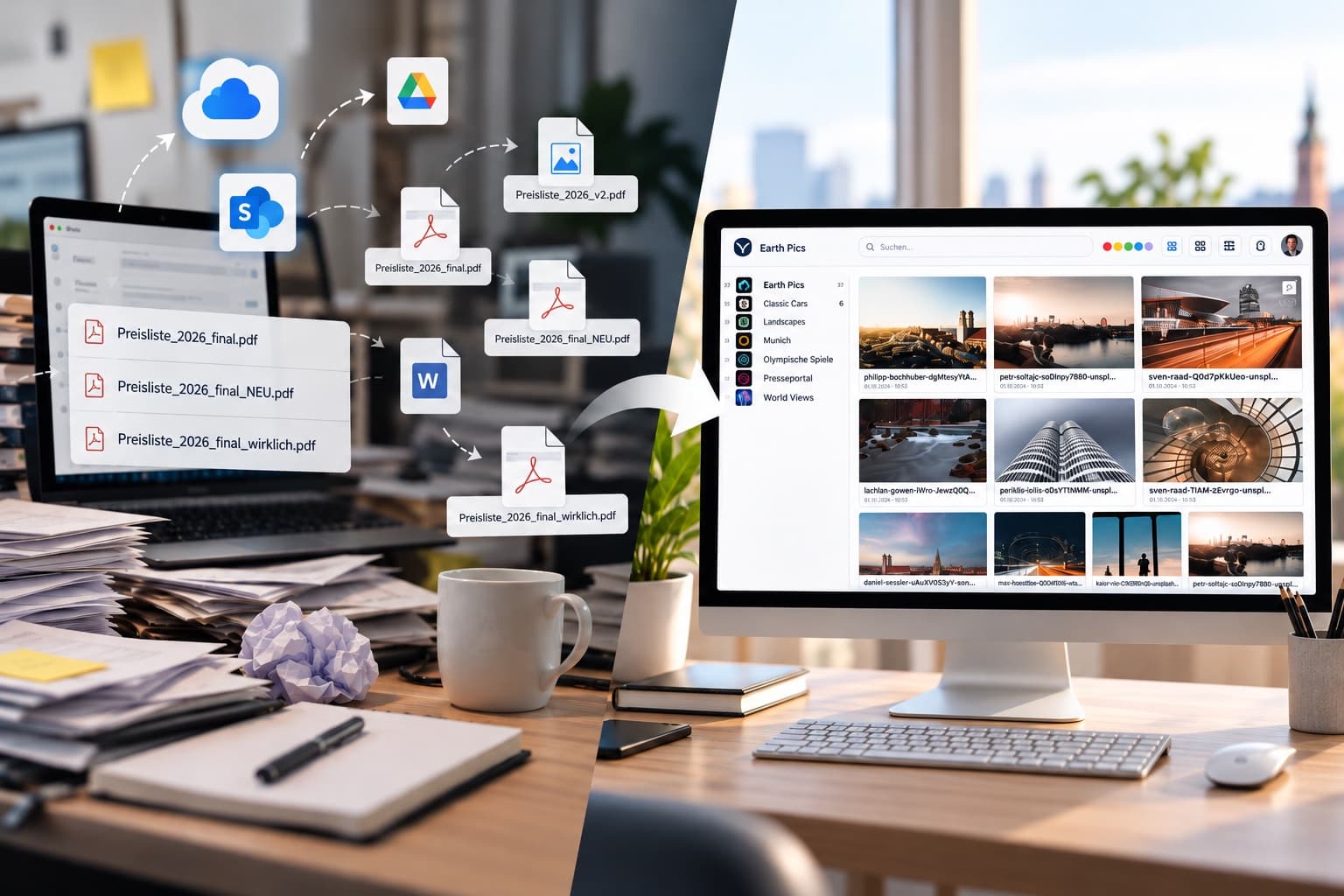
- Every system gets a copy. Website, social media, print, sales: without a central inventory, every asset is filed several times — and goes stale in every system separately.
What the DAM adds
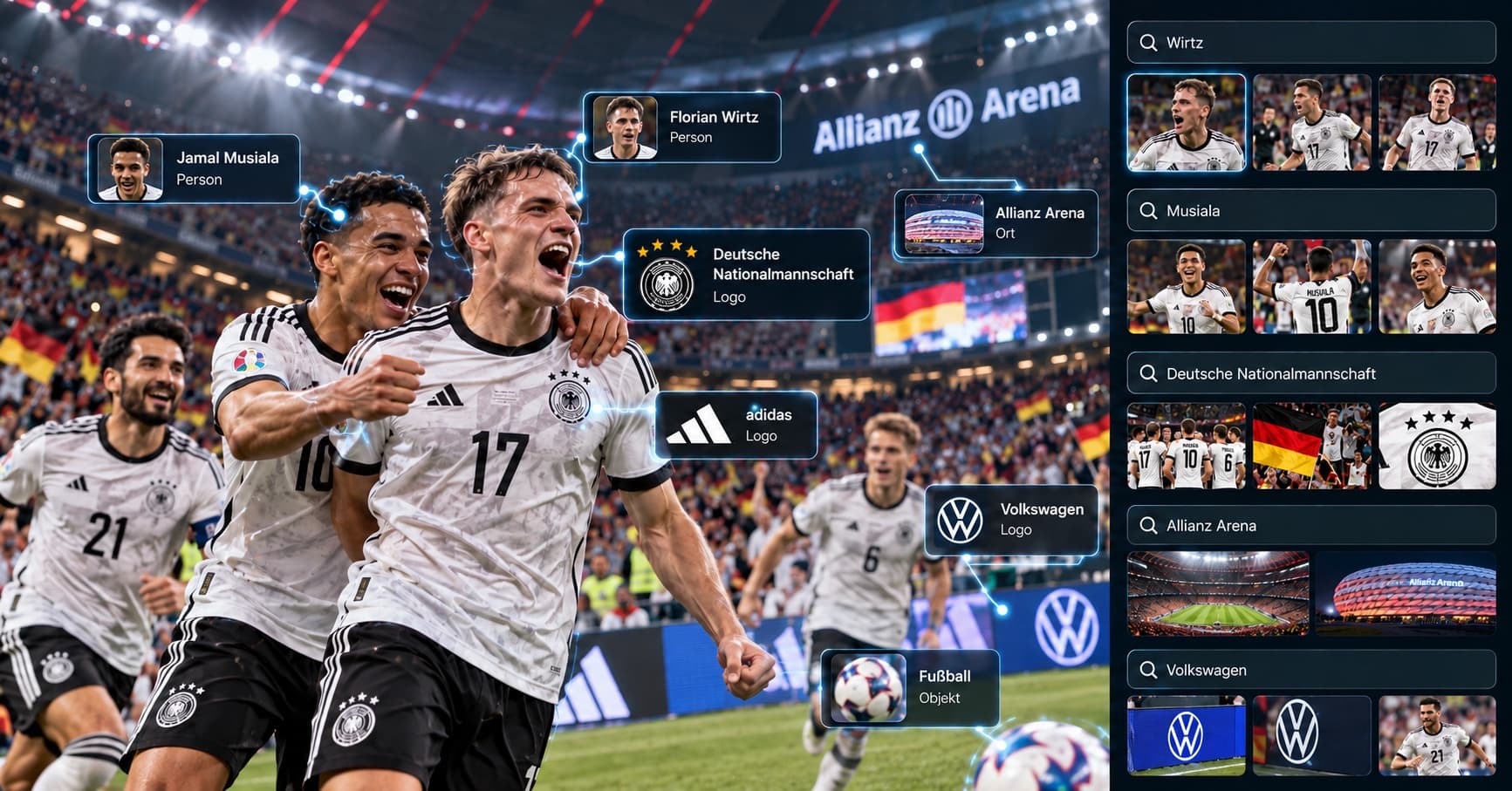
A digital asset management system is the central home for all media — not just what happens to be on the website. It keeps metadata, usage rights, versions and approvals on the asset itself, makes the inventory searchable, and ensures every channel works with the same, current material.
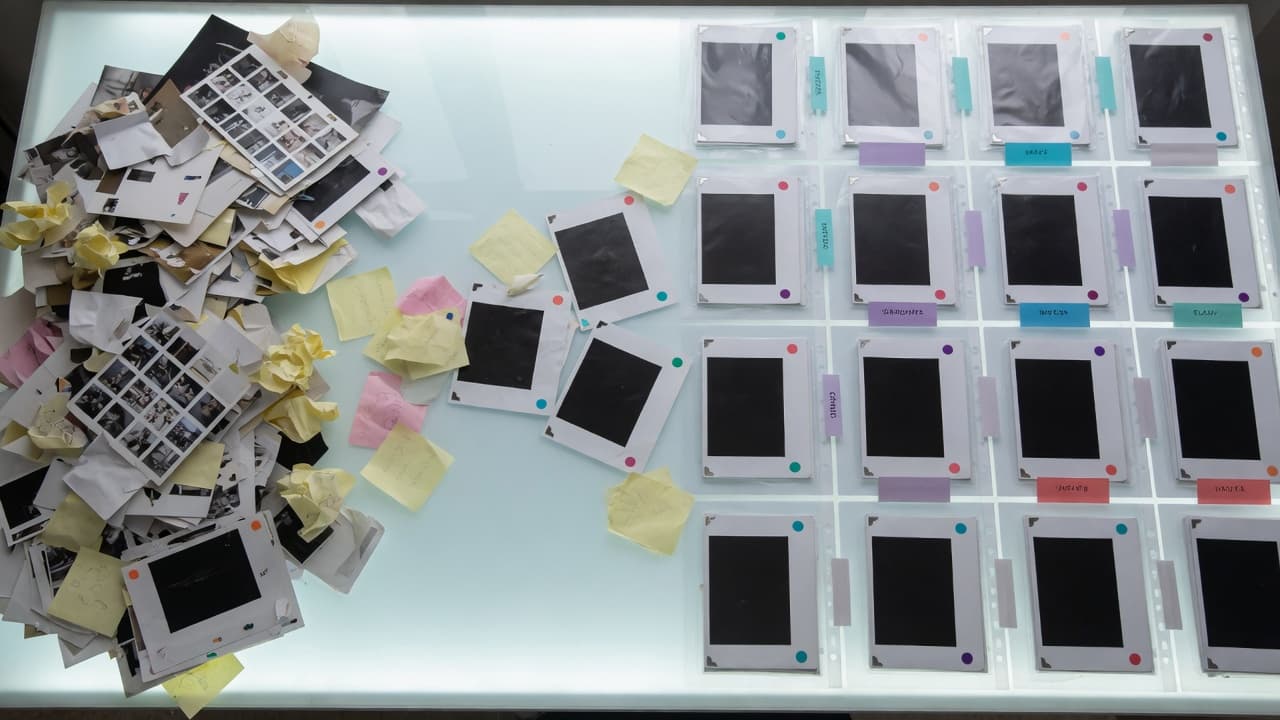
The decisive point is not either-or, though — it is the connection: a DAM does not replace the CMS, it supplies it.
CMS and DAM together: media stays in one place
In practice that means: media stays maintained in the DAM, and the editor picks it right in the familiar editor. VAULO ships its own integrations for WordPress and TYPO3 — image and gallery blocks reach the approved inventory directly, no upload detour, no duplicate maintenance. What gets updated or locked in the DAM is what the web team sees.
That also dissolves the copy problem: there is one inventory, and every system — website, Office, Adobe, browser — works with the same original.
Conclusion
The question is not "CMS or DAM" but: where does the media inventory live that every channel draws from? The CMS does not answer it — it was never built to. A DAM does, and through the integrations the familiar editorial workflow in the CMS stays fully intact.