- DAM basics
What is a DAM? Digital asset management explained simply
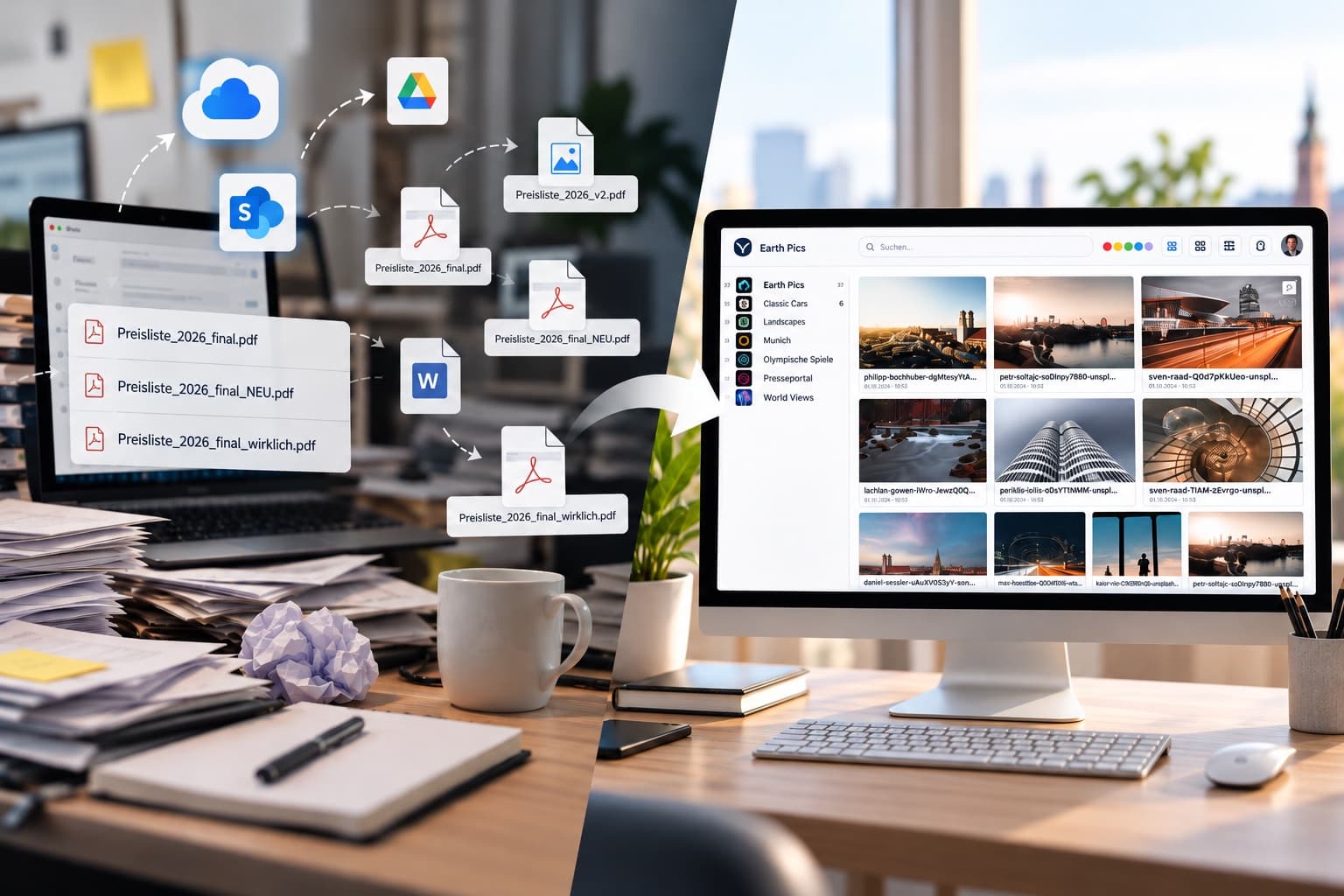
A DAM system is the central software that companies use to organize, find, share and securely manage images, videos, logos and documents — instead of losing them in folders, emails and clouds.
A DAM system, short for digital asset management, is central software that companies use to organize, search, share, distribute and securely manage digital assets such as images, videos, logos, presentations and documents.
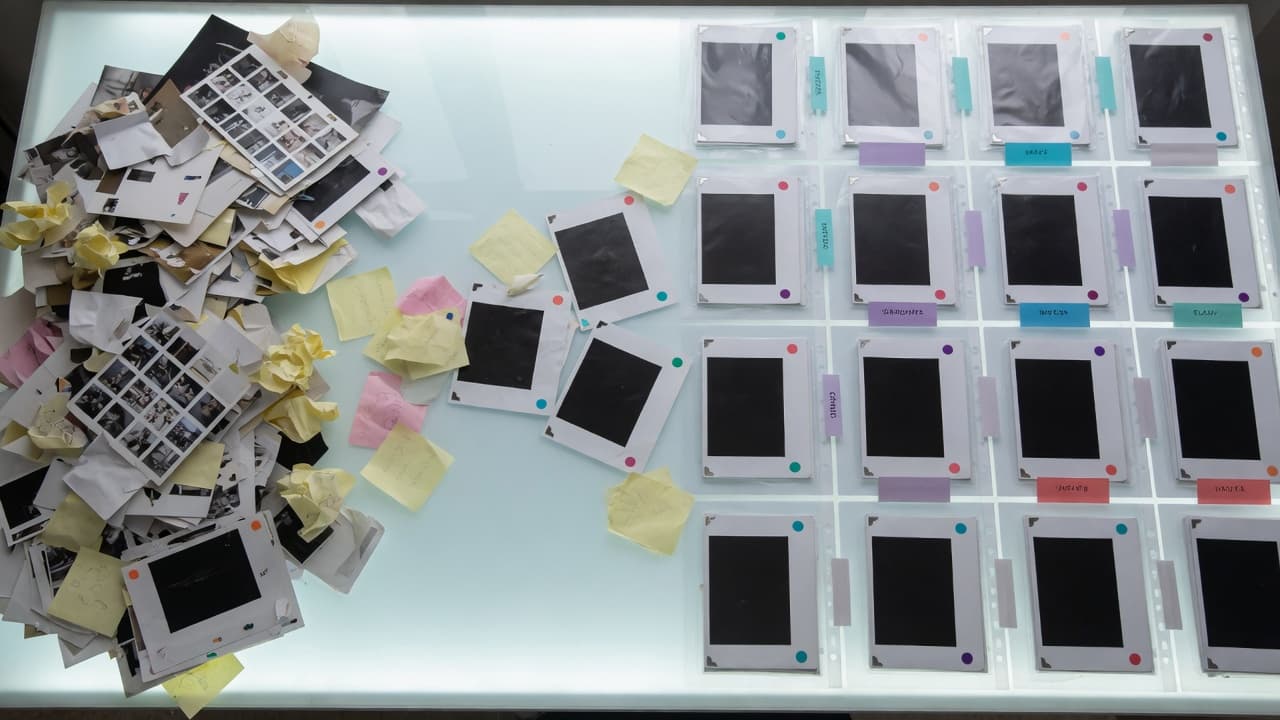
When digital content is well organized, work becomes noticeably easier. Good digital asset management software makes sure media don't disappear into folders, emails or cloud storage, but stay structured, findable and usable in a central media database.
A DAM system doesn't just create this order in the background. It changes the everyday workflow, because there's less searching, fewer follow-up questions and less duplicate production. At the same time it creates more structure, clear rights, clean metadata management and more security in handling digital assets.
Which files does a DAM system manage?
A digital asset management system manages digital files that have value for a company and can be used more than once.
These include, among others:
- Product images
- Videos
- Logos
- Presentations
- Documents
- Data sheets
- Campaign visuals
- Templates
- Press images
- Social media assets
- Brand materials
- Product media
- Training materials
What's the difference between a DAM and a folder structure?
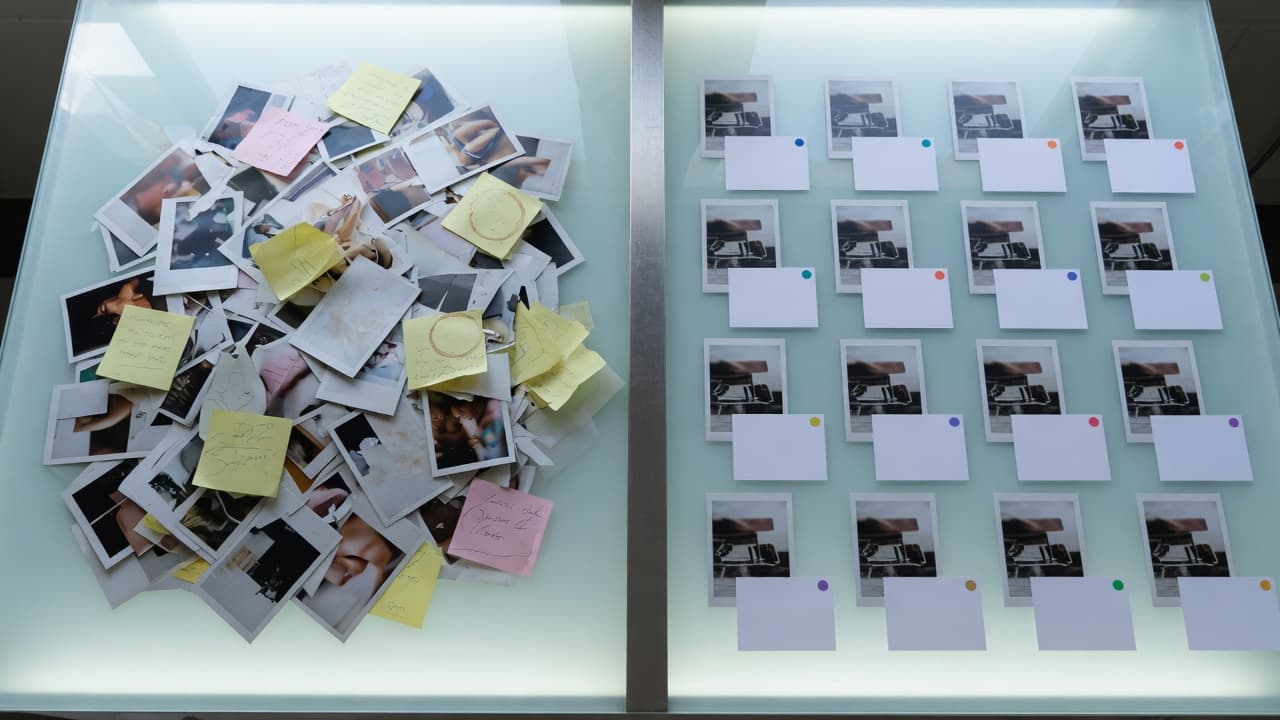
A classic folder structure files documents in a fixed location. That works as long as everyone knows where something is, what the file is called and which folder it's filed under. It gets harder as soon as several teams, locations or external partners work with the same files. At that point, a lot of prior knowledge is often needed just to find an asset at all.
A DAM system works differently. It stores digital assets centrally and describes them through metadata. This includes, for example:
- Topic
- Product
- Campaign
- Image description
- Usage rights
- Version
- Language
- Format
- Target audience
- Approval status
An asset can therefore belong to a campaign, a product, a region and a target audience at the same time, without being copied multiple times or moved between different folders. Modern DAM platforms can support this with AI, by automatically recognizing and keywording content so it becomes faster to find and easier to use.
For what happens in practice once the folder stops holding up, see A shared cloud folder is not an image archive. For which fields are actually worth the effort, see Metadata that pays off.
Why is a DAM system worthwhile for companies?
A DAM system becomes important once digital content is no longer just stored, but regularly used, shared and developed further. The more teams, channels and external partners work with the same assets, the more important a central structure becomes.
Collaboration, value creation and security
Marketing, sales, online retail, international locations and external partners often need the same images, videos, presentations or documents. A DAM system creates a shared foundation for this, because everyone can work with current, approved and matching assets. That reduces follow-up questions, search effort and unnecessary coordination.
A DAM system also makes sure assets don't disappear into storage after their first use. They stay findable, reusable and can be deployed across different campaigns, channels and teams. A file that was produced once thereby becomes an asset that creates value long-term.
Security and control also become easier. A DAM system makes it traceable which content is current, approved and usable. Rights, versions and license information stay directly attached to the asset, so outdated or legally problematic content isn't reused without control.
Boosting productivity
The Coveo EX Relevance Report 2025 shows that inefficient search and information systems cost a lot of time in everyday work. For digital assets that means, very concretely, that images, videos, documents and presentations only realize their value if they can be found quickly in the right context and used securely.
Disorder therefore gets more expensive the more images, videos, presentations, logos and documents a company produces. A DAM system doesn't just reduce search effort — it also helps reuse existing content, avoid duplicates and work with approved versions. IBM likewise describes central asset management as a lever for reusing content more effectively, lowering production costs and reducing duplicate work.
Numbers like these are no automatic guarantee for every company. But they show why findability, structure and reuse are economically relevant.
What features does a DAM platform have?
A DAM platform connects search, structure, rights, versions, approvals and channel-neutral use into one clear workflow.
Central management prevents teams from working with different sets of media. Images, videos, logos, documents or presentations no longer sit scattered across folders, emails or local drives, but in a shared structure. Large volumes of media and different file formats can also be cleanly organized, classified and prepared for further use as a result.
Metadata makes assets findable. Instead of searching only by file name, users can filter by product, campaign, subject, language, format, license, expiry date or approval status. Visual previews additionally help check images, videos or documents without having to download them first.
Version control makes sure teams work with current files. Old logos, outdated presentations or unapproved image versions don't get reused by accident. Comments, corrections, annotations and reviews can happen directly on the asset, which shortens feedback loops and keeps decisions traceable.
Roles, user rights and approvals are also among a DAM system's central features. Not every person should be able to see, edit or download everything. That's why it's possible to control who may use which assets. This protects sensitive content and helps maintain compliance, licenses and usage rights cleanly.
A DAM system also makes sure assets can be delivered in the right form for different channels. Website, shop, social media, print, sales, press or external partners often work with the same content, but need it in different formats or approval states. A DAM system helps organize this channel-neutral use, without every asset having to be searched for, adjusted or re-exported manually.
What's the difference between DAM, cloud, SharePoint, CMS and PIM?
Modern DAM systems can be connected to other systems, for example to PIM, CMS, shop systems or marketing tools.
Especially in online retail, connecting PIM and DAM makes sense. The PIM manages product information such as text, dimensions, variants or technical data. The DAM system manages the matching product images, videos, data sheets and other media. This way, product data and product media get delivered exactly where they're needed — in the shop, on the website, in sales, in press work or with external partners.
A DAM system is often compared to cloud storage, SharePoint, CMS or PIM systems. That's understandable, because digital content is filed, organized or delivered everywhere.
The difference lies in purpose. Cloud storage and classic folders help store and share files. A CMS publishes content on websites, blogs or landing pages. A PIM manages product information such as text, dimensions, variants or technical data. A DAM system starts earlier and manages digital assets before they're published, shared or used in other systems.
| System | What it's designed for | Limitation compared to a DAM |
|---|---|---|
| Cloud storage and folders | Storing and sharing files | Little structure through metadata, rights, versions and channel-neutral use |
| SharePoint | Organizing documents and internal collaboration | Media often sit within specific areas or departments and aren't automatically usable company-wide |
| CMS | Publishing content on websites, blogs or landing pages | The focus is on publishing, not on central asset management |
| PIM | Managing product information such as text, dimensions, variants or technical data | Product data is managed, but the associated media not to the same level of detail |
| DAM | Centrally managing, finding, approving, distributing and protecting digital assets | Specialized in media, rights, versions, formats and use across many channels |
Who benefits most from digital asset management?
A DAM system is especially worthwhile when many people work with the same digital assets but have different requirements.
In marketing, a DAM system helps make campaign material, logos, imagery, templates and social media assets quickly available. In brand asset management in particular, it matters that brand materials are current, approved and used consistently.
In sales, a DAM system makes sure presentations, product images, brochures or documents are current and approved. In online retail, it supports delivering product images, videos and media content for shops, marketplaces or dealer portals.
In press and corporate communications, approved images, logos, publications or campaign material can be distributed in a targeted way. Agencies, dealers, photographers or external service providers also benefit, because they get controlled access to exactly the content they need.
A DAM system is equally worthwhile for public authorities and public institutions. There, it's often about press images, publications, event photos, logos, forms, archive material or content for websites and citizen portals.
For what this looks like in each of these everyday contexts, see Industry solutions.
How does VAULO implement digital asset management in practice?

VAULO is a digital asset management system from Germany. Companies can use it to archive, organize, search, share and securely manage digital content.
In daily work, the benefit shows up especially where content needs to be found faster, released under control, and delivered in the right form for different channels.
Search combines classic keyword search with semantic AI search. This means it finds not just exact file names, but also content that matches the topic even when it's named differently. Anyone searching for a particular subject or theme finds the matching assets regardless of how they were originally named — the search understands meaning, not just letters.
With VisionAI Foto and VisionAI Video, photos and videos can automatically get a description, keywords and a headline. This makes metadata management easier and lets assets be found, structured and evaluated faster — even with large volumes of image and video material.
Presentation Studio makes it possible to create presentations, media packages and media portals directly from within VAULO — fully in your own corporate design. Through the integrated VisitorHub, you can precisely control who gets access to a media or brand portal and what they see there: external partners, agencies or journalists get their own login and see only the content approved for them — with no need to route through additional external tools.
VAULO can also be connected to existing work environments, for example WordPress, TYPO3, Adobe, Figma and Microsoft 365. This turns VAULO into a content hub that teams can use to access their digital assets wherever they're needed.
Conclusion
A DAM system is not a nicer folder structure and not another cloud storage service. It's a central platform that lets companies use digital assets in a structured, secure and efficient way.
The value comes from finding, reusing, approving and delivering existing content in the right form for different channels. This way, a DAM system helps avoid duplicate content production, lower production costs and simplify collaboration between teams, locations and external partners.
Above all, a DAM system creates a workflow in which media are easy to access while still staying protected.
FAQ
Isn't a DAM system just a better cloud storage service?
No. Cloud storage files documents and makes them shareable. A DAM system goes further, because it manages digital assets with metadata, version control, roles, user rights, approvals and usage rights.
This means it doesn't just store. It also controls who may use which asset, when, how and for what purpose.
At what point does a DAM system pay off for a company?
A DAM system pays off once digital assets are regularly searched for, produced multiple times, used incorrectly, or distributed manually to teams and partners.
At the latest, once marketing, sales, online retail, international locations or external service providers work with the same media, a central and secure foundation is needed.
Which files belong in a DAM system?
A DAM system should hold all digital content that has value for a company and can be reused.
This includes product images, logos, videos, presentations, data sheets, campaign visuals, press images, social media assets, templates or documents. In short, everything belongs in it that isn't just meant to be filed away, but used deliberately.
How does a DAM system help lower production costs?
A DAM system makes existing content findable and reusable. As a result, product images, presentations, campaign visuals or designs don't have to be constantly recreated or readjusted.
Teams work with approved, current assets instead of scattered files. That saves time, coordination and budget.
Why does a DAM system matter for security and rights?
A DAM system shows directly on the asset who may view, edit, download, approve or share it.
Usage rights, licenses, expiry dates and versions can also be stored with it. This prevents outdated, unapproved or legally problematic content from being reused.