- DAM basics
- Workflow
A shared cloud folder is not a media archive
SharePoint, Dropbox and the network drive solve storing files. They do not solve finding them again. How to recognise the point where a folder stops carrying the weight.
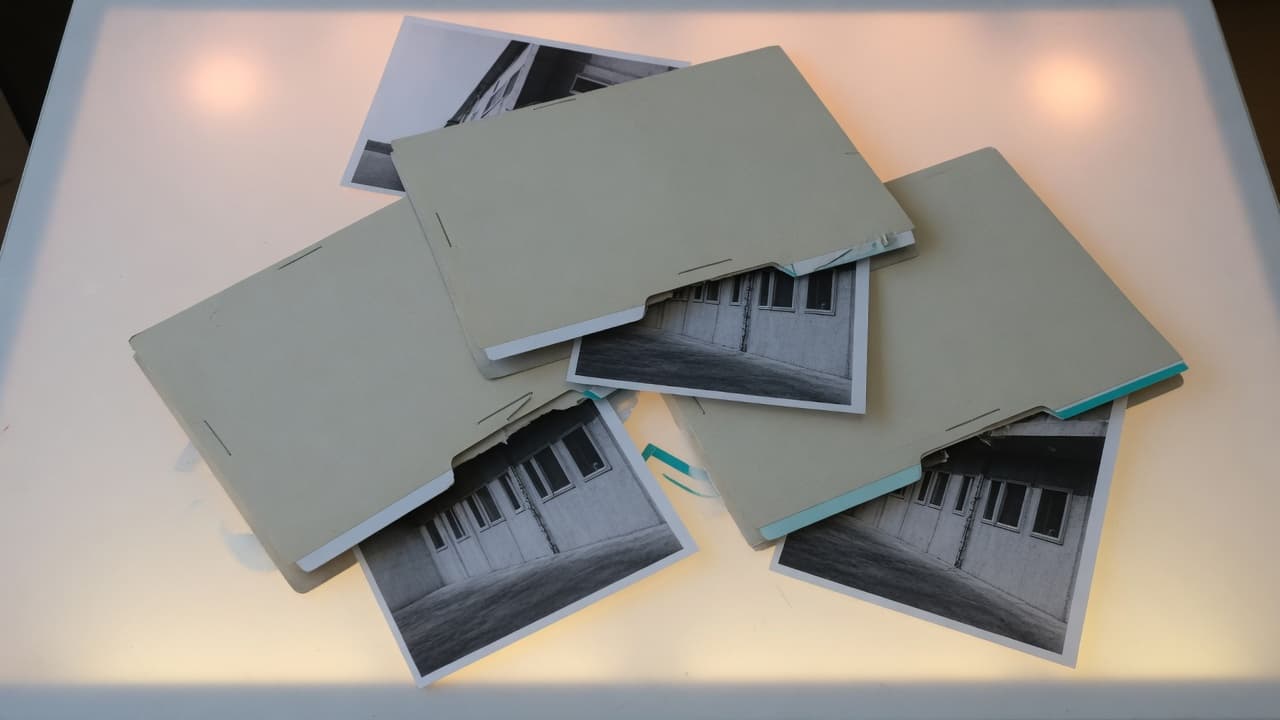
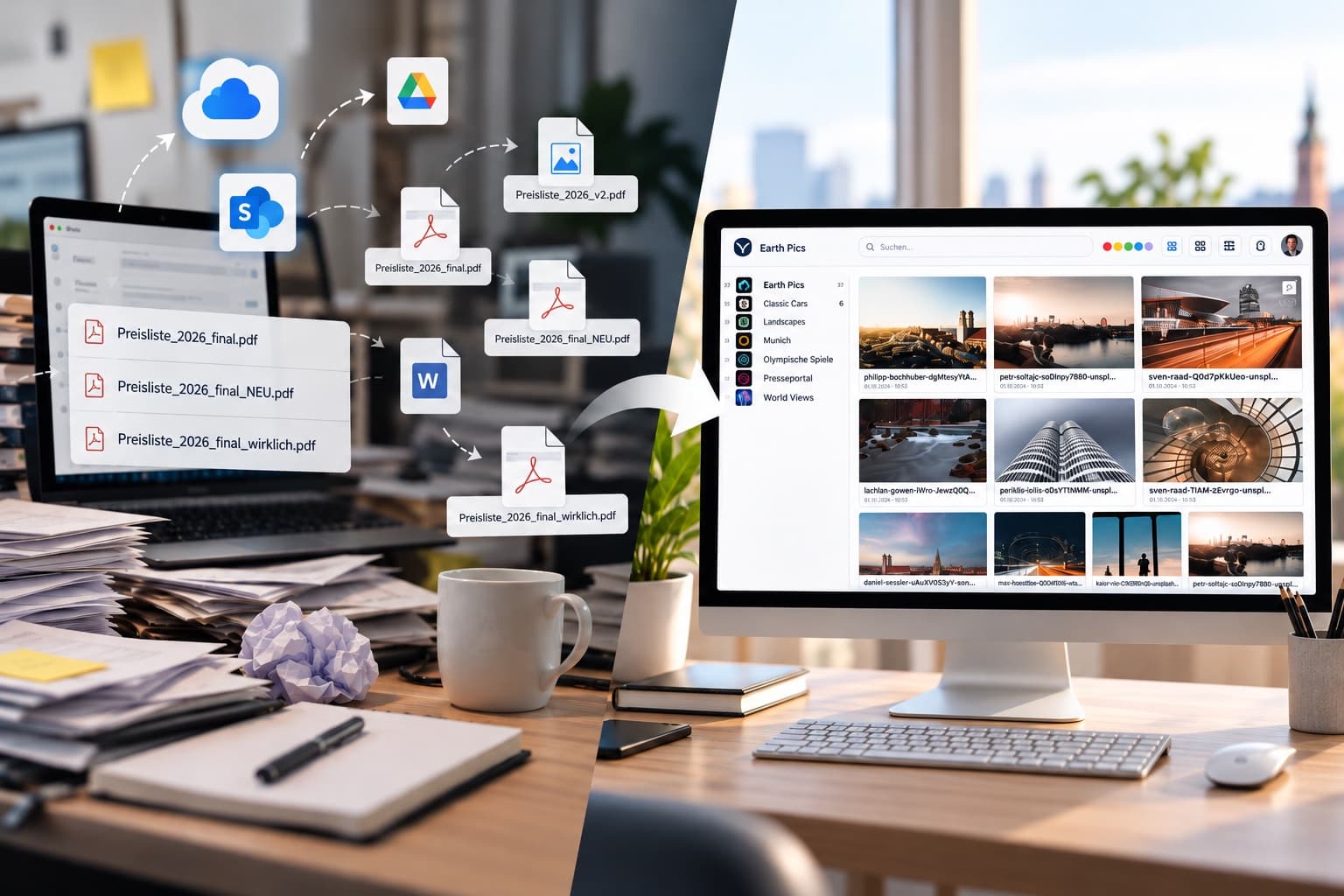
Almost every archive we take over has the same backstory. It started with a folder. Then subfolders by year, then by campaign, then by agency, and at some point the same shoot sat in four places: once as raw files, once approved, once in the version that actually went to print, and once in a folder called final_final_NEW.
That is not a sign of sloppiness. It is the logical consequence of a file system knowing exactly one relationship: a file sits in a folder. As soon as an image belongs to two campaigns, a product line and a trade fair appearance, somebody has to pick one location — or copy it.
The point where it tips over
We see three signals, and they almost always appear together.
Somebody asks in chat for a file that exists. Not because it is missing, but because asking a colleague is faster than searching. From that moment the search function is effectively switched off, and knowledge about the archive lives in people's heads.
Several truths exist. Marketing works from one file, sales from another, and both consider theirs current. With logos and product shots nobody notices until an ad runs with the old claim.
Nobody can say what is about to expire. Image rights have an end date, and so do model releases. In a folder structure that date sits in an Excel sheet next to it at best, and nowhere at all most of the time.
Before the rollout we estimated we had 40,000 files. There were 190,000. Sixty percent of them were duplicates.
What a DAM does differently
The difference is not the interface. It is that a file is no longer described by where it is stored, but by what is known about it.
| Question | Folder structure | Digital asset management |
|---|---|---|
| Where is the image? | In exactly one place | In one place, reachable by any number of routes |
| Who owns it? | In the filename, if somebody remembered | A field on the record, searchable and reportable |
| May I use it? | Ask someone | A usage right with an expiry date on the asset |
| Which version counts? | The one in the right folder | The one marked current, with its history underneath |
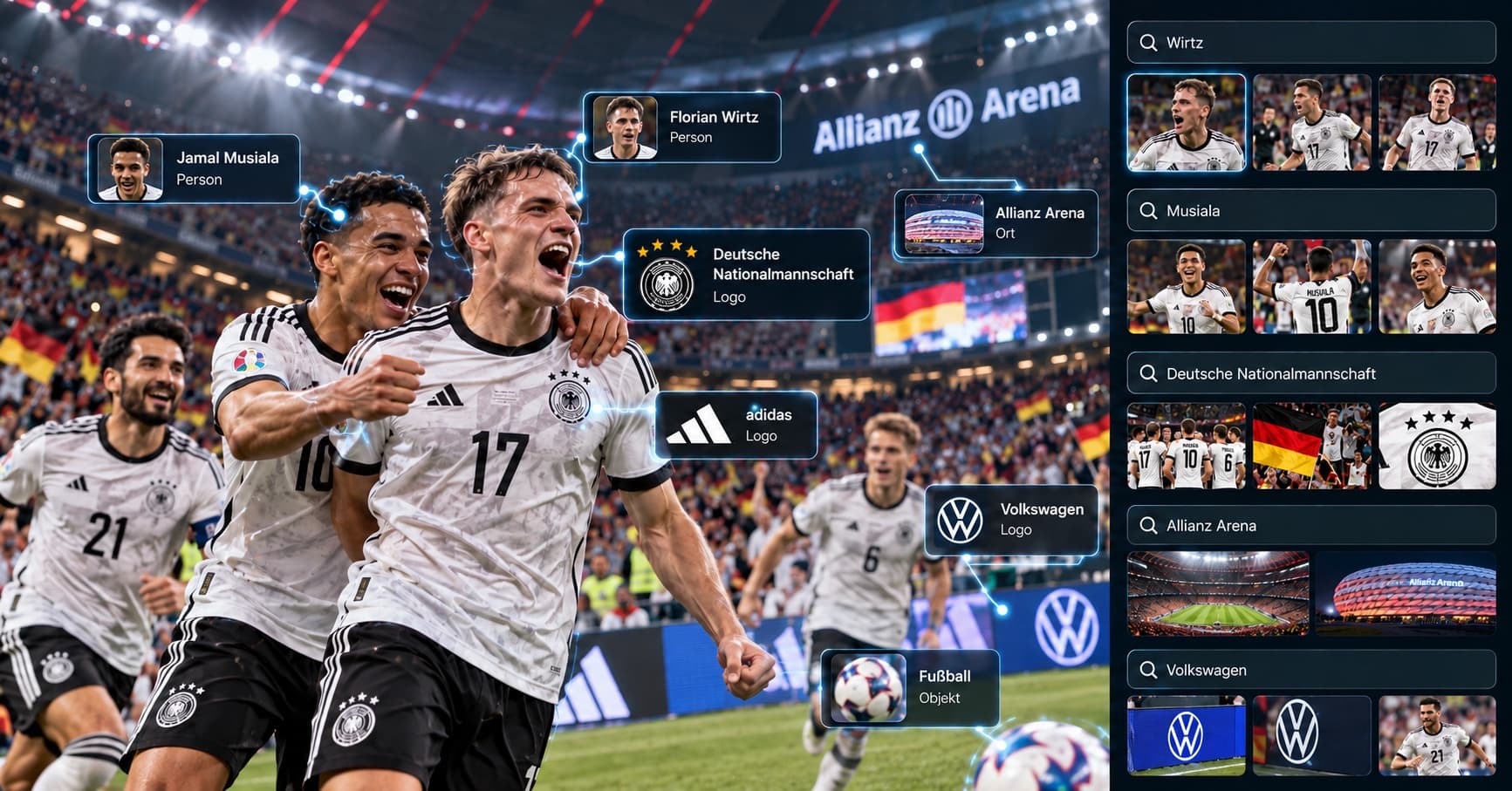
| What is in the picture? | The filename makes a claim | Keywording, full text, image recognition |
The practical effect shows up on day three. A search for "factory hall summer drone" returns results even though not a single image is named that way, because capture date, location, camera model and image content exist as fields rather than as a string in a filename.
What the switch actually costs
The honest answer: not the software, but the first inventory. A grown archive has to be reviewed once, and that can only partly be automated.
- Find the duplicates. Visually identical files can be detected reliably by machine, even across different filenames and resolutions. In our projects that typically clears 40 to 60 percent of the volume.
- Decide what the relevant remainder is. Not everything has to come along. An archive that brings every preview ever rendered is unmanageable again on day one.
- Take metadata seriously once. This is where it is decided whether the system holds. We wrote a separate article about it, because the most common mistake is creating too many fields rather than too few.
Plan the first step in weeks rather than days. An archive of roughly 100,000 files usually needs two to four weeks to reach production, and most of that is agreeing which fields should be mandatory — not technology.
When a folder is perfectly fine
There is such a case, and it gets mentioned too rarely. If three people work with a clearly bounded set of files, all know the same conventions, and no rights are granted to third parties, then a shared folder is the right tool. A DAM solves a problem that only appears with volume, participants and outside exposure.
The switch pays off as soon as people outside the core team are supposed to get to material themselves, without somebody from the core team looking it up for them. That is the real break — not the file count.