
A media portal with its own login for sales partners, press and other audiences
Instead of handling every request one by one, every partner signs in with a personal account and sees the content released for them right away.
- Who it is for
- Returning visitors: sales partners, press, stakeholders, internal teams
- Available as
- Add-on, on request
- Recipient needs
- A login to the portal of their own, no VAULO account
One login instead of many single links
One portal per audience
Sales partners, media representatives, stakeholders or internal staff: for each of these groups you can set up a media portal of its own with individual logins.
Public and protected, combined
A publicly visible area — general company media, say — can be combined with a password-protected area that only certain people or groups can see.
Set up once, used again and again
You set a media portal up once and use it for every further release to the same group.
Create the portal, set the access, done
You set a media portal up once and use it for every further release to the same group.
 01
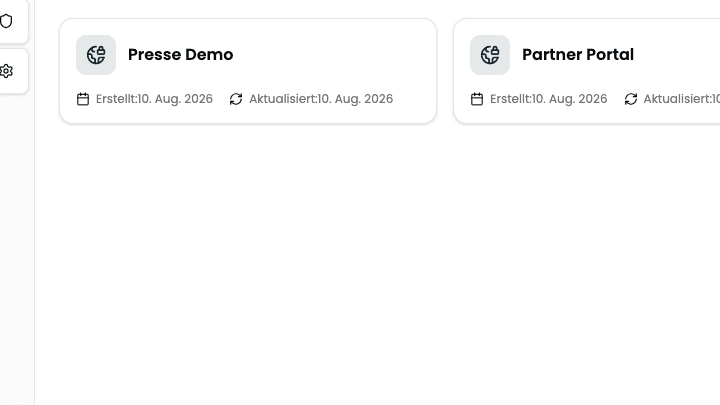
01Create the portal
Give it a name — the customer's name or the press event, for example — and the portal is ready.
 02
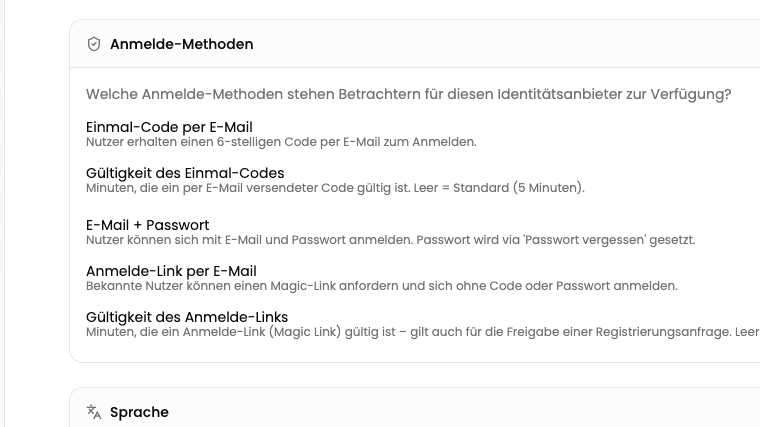
02Set the access
Choose the sign-in method — magic link, password or code by email — and decide whether new addresses may register themselves automatically, only after review, or not at all.
 03
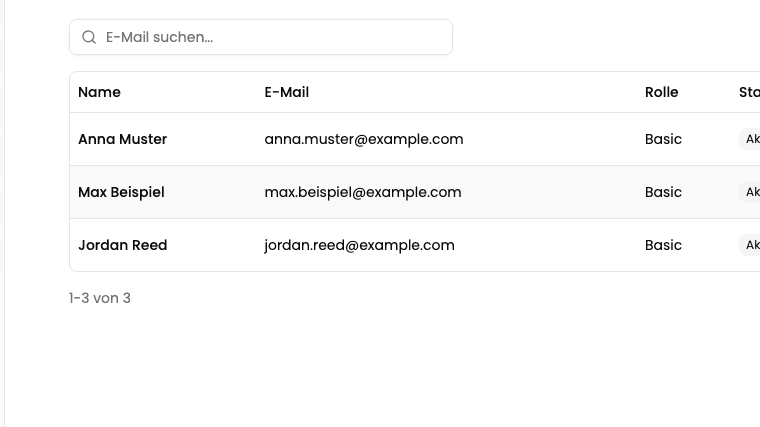
03Assign users and distribute the release
Mark users and groups and assign the media, files or folders you want them to have.
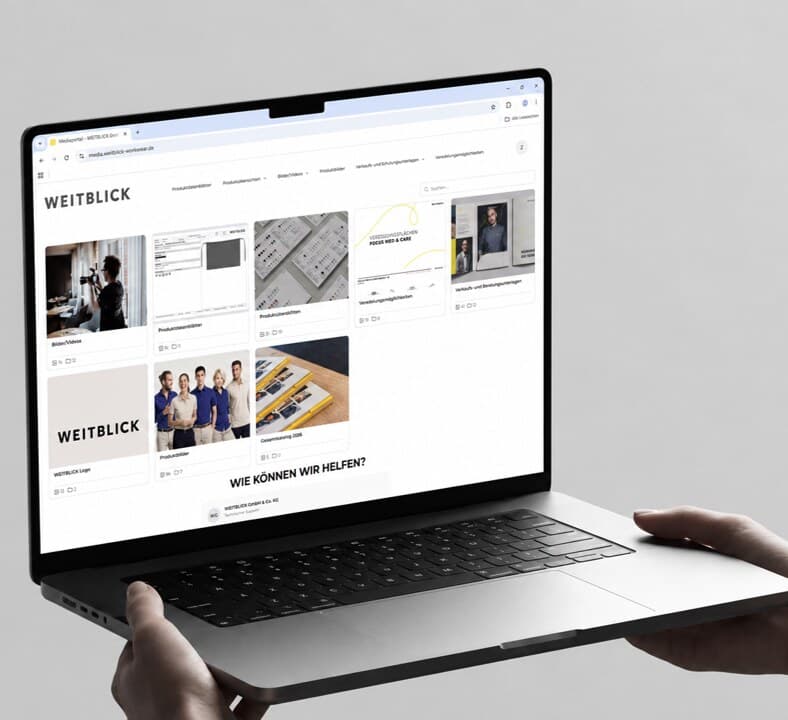
How WEITBLICK supplies its sales partners without going through sales
WEITBLICK, a manufacturer of workwear, provides its sales partners with a wide range of media through an individually built media portal. Instead of handling every request one by one, partners log in themselves via VisitorHub and access the documents released for them at any time — without a detour through a sales representative.
- 208
- User accounts
- 3,128
- Downloads per year
- 261
- Hours saved per year
We used to compile and send the right documents to each sales partner individually — sometimes twice. Now they see the documents released for them straight away through their own login to the media portal. That saves our sales team several hours a week in customer care.
Frequently asked questions
Does every recipient need a VAULO account of their own?
No. One login to the media portal is enough, however many releases sit behind it.
How does VisitorHub differ from DirectDownload?
DirectDownload is the quick single link for the one-off case. VisitorHub is the permanent media portal for returning visitors, with a fixed login instead of a new link per release.
Can new users register themselves?
Yes — automatically, only after your manual approval, or switched off entirely if only pre-created users should have access.
Do all users see the same content?
Not necessarily. A publicly visible area can be combined with individually assigned content that only certain people or groups see.
Show more questions
How do I set up a customer or press portal with its own login?
With VisitorHub you create a media portal of your own, choose the sign-in method and assign the right media to users or groups.
Is there a GDPR-compliant alternative to a self-built customer portal?
Yes. VisitorHub runs on German servers and replaces a self-hosted customer portal, without any development of your own.
Start with your first media portal
In a demo we create a portal for one of your audiences and you see what a partner finds after signing in.