
Newsletter: your add‑on for sending presentations straight by email
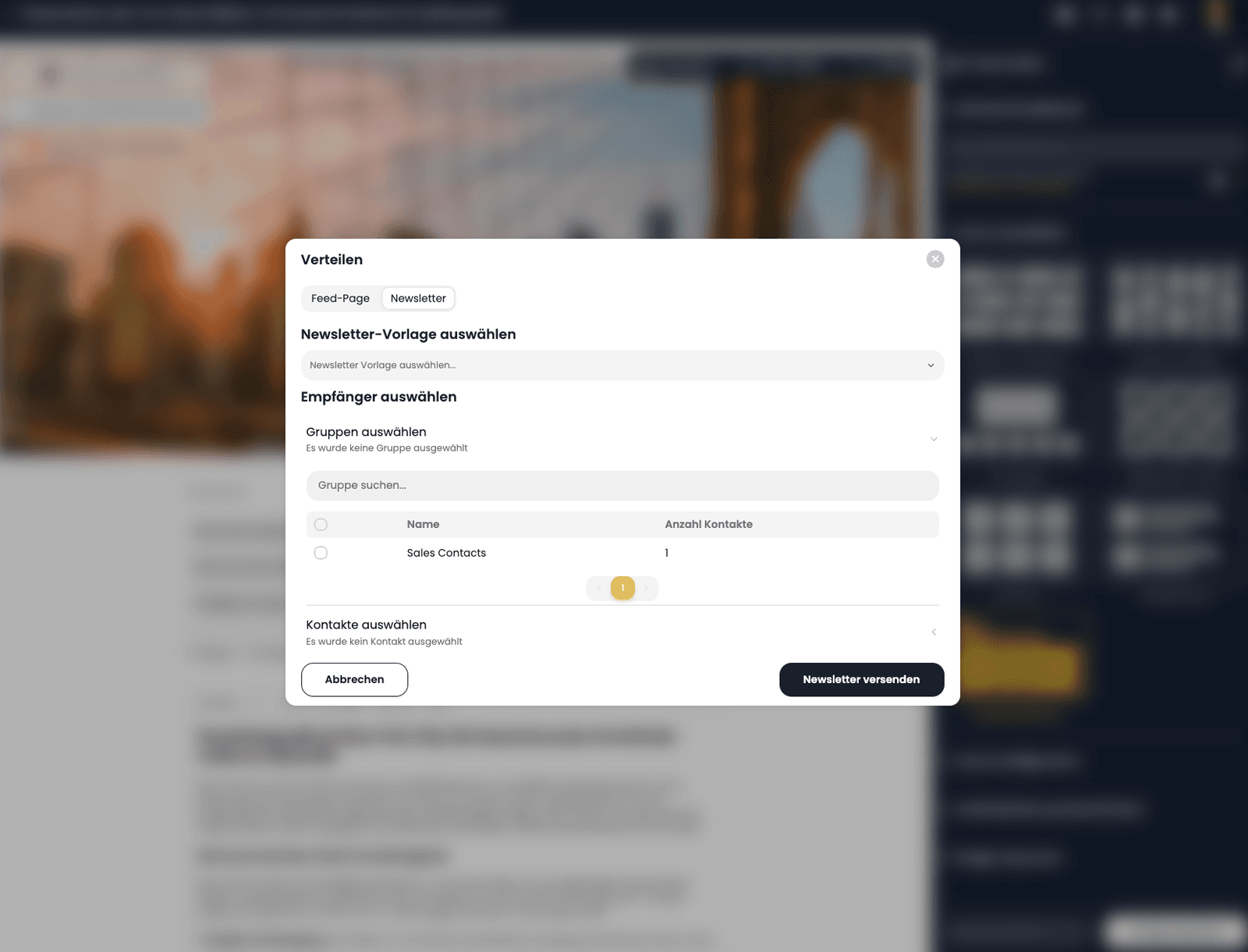
The presentation you design in the Presentation Studio becomes a newsletter with one click and goes straight to the contacts or groups you already manage in VAULO. Press release or internal announcement: you design everything in one place and send it with a single click.
- Who it is for
- Press offices and internal communication
- Available as
- Add-on, on request
- Requires
- Presentation Studio and Contacts
One place for presentation, sending and contacts
Three tools fewer
One tool for the presentation, another for sending, a third for managing contacts: with VAULO you don't need that.
The template fills itself
Title, cover image, presentation link and media, plus any further fields you define yourself, are picked up by your template automatically.
Your own sender address
Sent from your own sender address, to individual contacts or whole groups from VAULO.
Pick a presentation, fill the template, send
Like FeedPage, Newsletter builds on the Presentation Studio: what you design there, you send by email from here.
 01
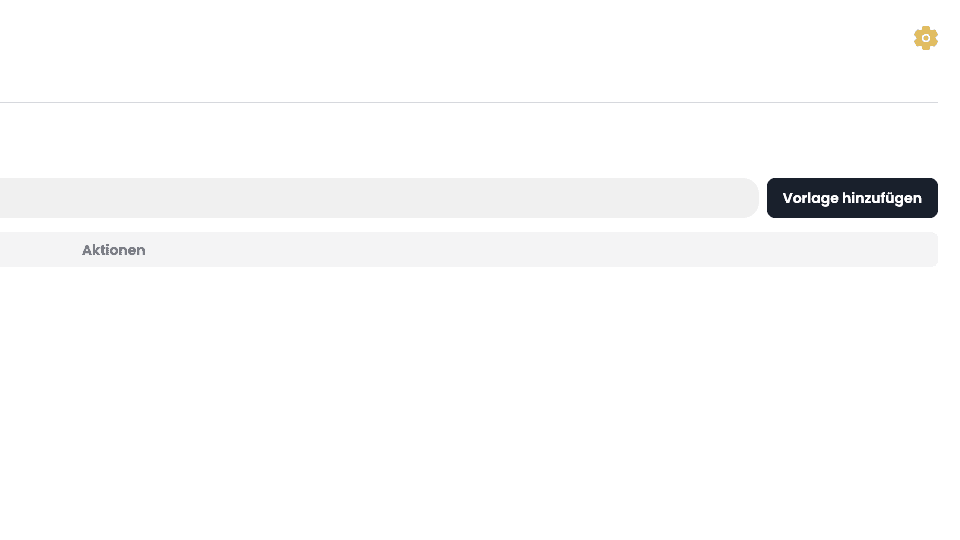
01Create a newsletter template
Create an HTML template as a newsletter once, with variables of your own that fill themselves in with every send.
 02
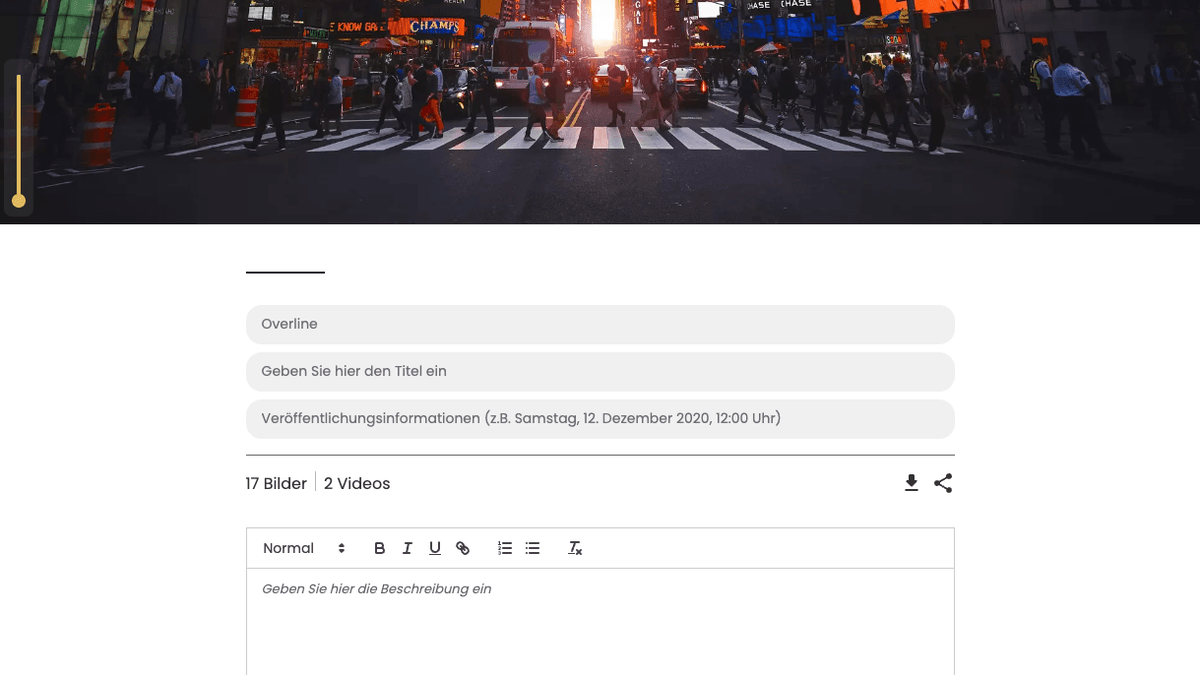
02Prepare the presentation as a newsletter
In the Presentation Studio, put together the content and structure of the presentation that is then sent as a newsletter.
 03
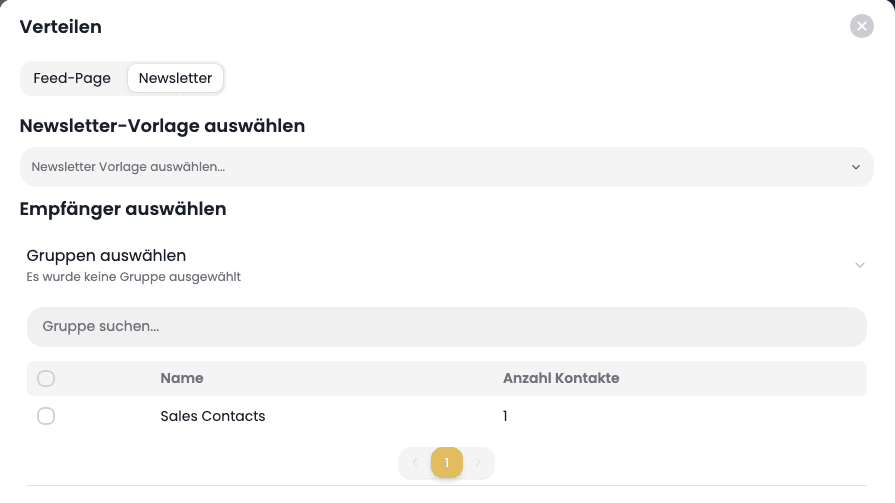
03Choose the template
Open the distribution options via the share button, pick the Newsletter tab and choose the right template.
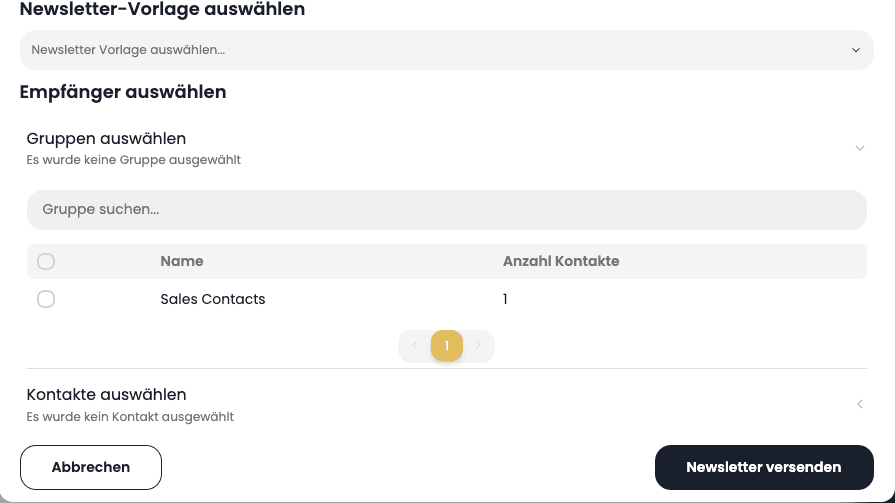 04
04Choose recipients and send
Pick individual contacts or a whole group from the address book and send the newsletter.
How Network Pictures automates delivery to broadcasters
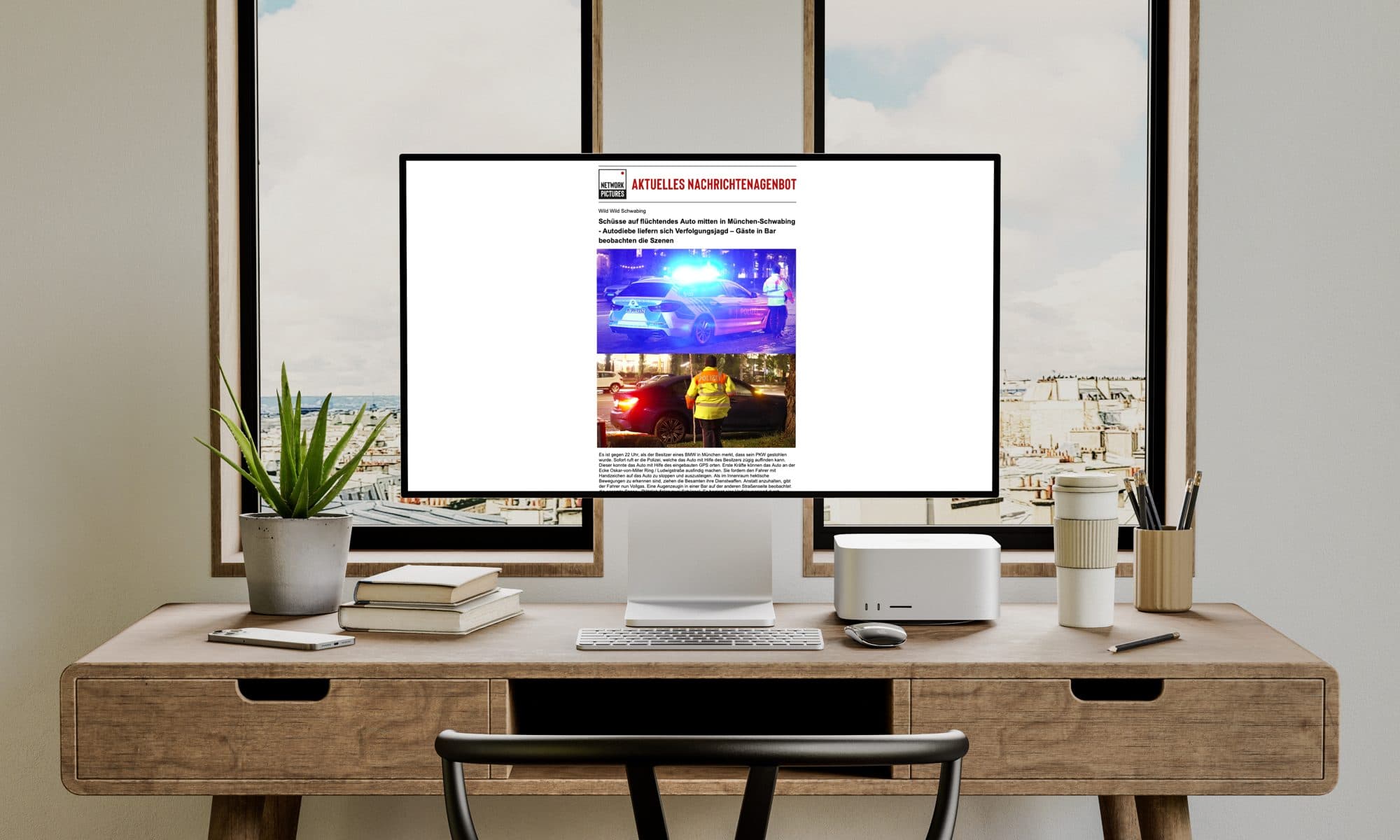
As a news agency, Network Pictures supplies every television broadcaster in Germany, among them ARD, ZDF, Pro7, Sat1, Welt and RTL. When something happens anywhere in the world, every second between shot and broadcast counts. When a video journalist delivers new material, VAULO analyses it automatically with AI, writes an offer text from it and sends that to the broadcasters by newsletter within seconds — because the material already sits in VAULO and does not have to be passed back and forth between different tools first.
- Seconds
- From material to offer text at the broadcaster
- Automatic
- AI analysis and offer text
- All
- Television broadcasters in Germany supplied
With different tools this used to take minutes. Today all the material already sits in VAULO, is analysed automatically, and the finished offer text goes out to our broadcasters by newsletter within seconds. That has made sending press releases extremely easy for us.
Frequently asked questions
Do I need a separate tool to send newsletters?
No. Newsletter is built into VAULO and uses the same presentations and media you already manage.
Where do the contacts and groups for sending come from?
From the VAULO Contacts add-on. Newsletter additionally requires Contacts, since recipients are managed there.
Can I use my own variables in the template?
Yes. On top of the presentation content you can define any number of variables of your own that fill themselves in with every send.
Does the recipient see who the newsletter is from?
Yes. It is sent from your own sender address, not from a VAULO address.
Show more questions
How do I send a newsletter straight from my DAM system?
With the Newsletter add-on you send presentations from VAULO directly as a newsletter — no separate email marketing tool.
Is there an alternative to Mailchimp for corporate communication?
For press and internal communication straight from the DAM: Newsletter from VAULO sends presentations to contacts and groups, without any additional tool.
Is there a GDPR-compliant alternative for sending newsletters?
Yes. Newsletter from VAULO runs on German servers and sends emails straight from your existing DAM system, with no data at an external provider.
Start with your first newsletter
In a demo we build a template, fill it from a presentation and you see how the newsletter lands in the inbox.